 Quantex
From first click to your first position
The whole route, start to finish, with nothing left implied. It takes minutes to set up and you decide every amount along the way.
Spread your portfolio across asset classes safely
One account covers several asset classes, so diversification does not mean opening a second platform the moment your interests widen.
| Asset class | Examples | Good to know |
|---|---|---|
| Cryptocurrency | BTC, ETH, SOL, XRP | Trades around the clock, including weekends. |
| Currencies | EUR/USD, GBP/USD | Follows the main session hours. |
| Indices | S&P 500, DAX | Broad exposure without picking single companies. |
| Commodities | Gold, oil | Often used to balance a portfolio. |
What happens after you sign up
Signing up is the easy part. Here is everything that happens next, in the order it actually unfolds.
- A specialist contacts you to confirm your details and answer questions.
- You complete KYC verification - a standard step before any money moves.
- You choose a starting amount from R4,100. Nobody sets it for you.
- You can practise with free demo trading before going live.
- Withdrawals return to your deposit method, with a stated processing time.
Quantex explained in plain language
Who is on the other end
Every account is assigned one specialist rather than a rota, so the person you speak to in month three is the one who set things up in month one. They walk through the plan, explain each step and answer questions in plain language.
What they will not do
They will not open a position without your instruction, and they will not pressure you to raise a balance. If a call ever feels like that, say so - it is not how the service is meant to work.
Following what happens next
The dashboard shows your balance, your open positions and every movement in and out, matching the figures on your account statement. Nothing gets summarised into one number that hides the detail underneath it.
Getting money out
A withdrawal is requested from the same dashboard and returns to the method you paid from. There is no minimum holding period and no charge from our side for asking.
Quantex explained in plain language
Real-time AI signals and a human analyst, working side by side from the Quantex app, to turn your capital into a steady passive income stream.
-
Create your account
Register in minutes using just your email address.
-
Verify your identity
Complete KYC verification to keep your account secure.
-
Fund your account
Deposit from R4,100 using EFT or card, your choice.
-
Set your risk profile
Tell us your goals; your analyst builds a matching asset allocation.
-
Start trading
Follow AI signals in real time and grow at your own pace.
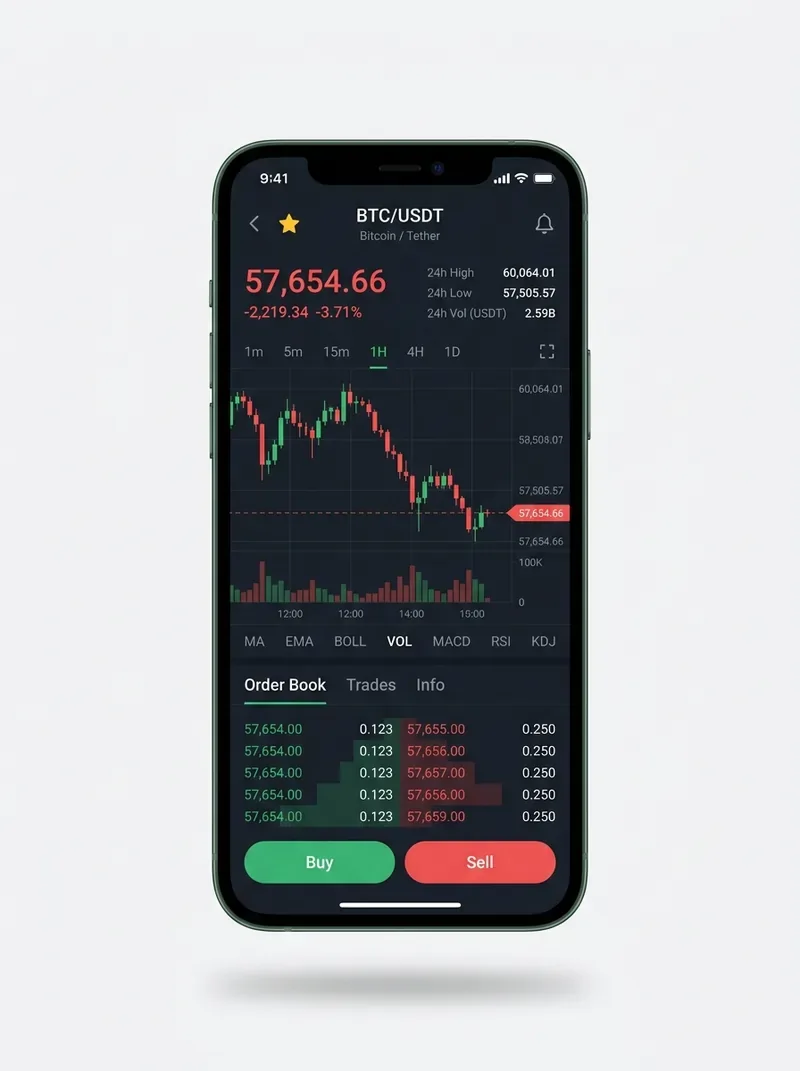
Invest using your mobile phone app or browser, same account either way
One login, one balance. Open it in a browser on your laptop or straight from your phone - nothing to install and nothing locked to a single device.
- Desktop - full dashboard, charts and account statement
- Mobile - balances, positions and withdrawals on the go
Model your starting deposit
Move the slider to see how a larger deposit could compound over time, scaled from a representative plan at the minimum deposit. This is an illustration, not a promise. Your actual passive income depends on the amount you invest and the strategy you set with your analyst.
Figures are illustrative only. Your actual income depends on the amount you invest and the strategy you set with your analyst.
Ready to put your capital to work with real-time signals?
Open your Quantex account in minutes, fund it from a modest minimum deposit, and watch AI-driven execution start tracking transparent progress from day one.